
Text Macro
The Beautiful Assets Text macro displays a single attribute value as plain text. It’s the simplest display macro and works with any attribute type.
Configuration
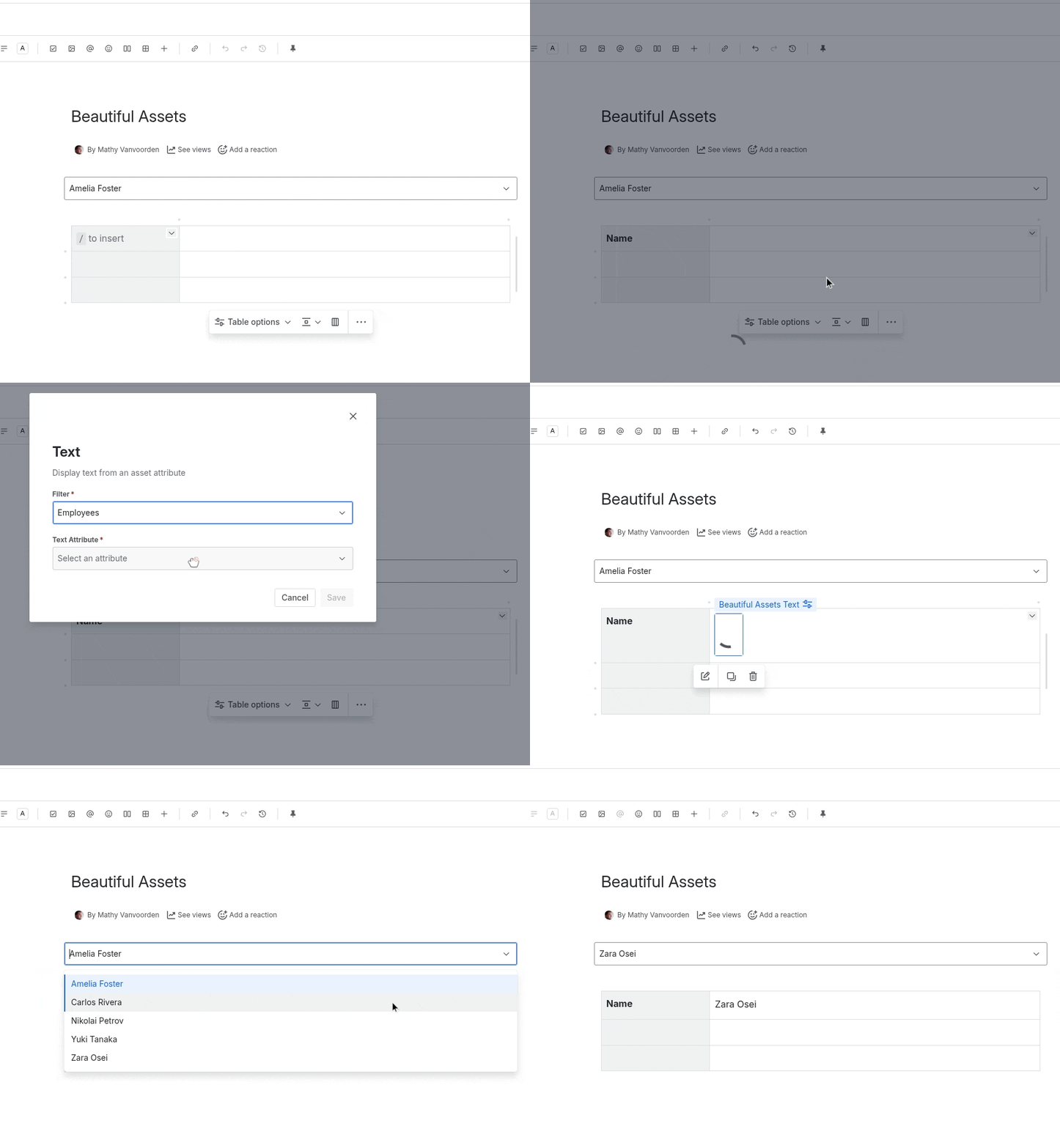
- Insert a Beautiful Assets Text macro
- Select a Filter from the dropdown
- Select the attribute to display
- Click Save
Usage
The Text macro renders inline, so you can place it within a sentence or paragraph. For example:
Employee: [Text macro showing Name] | Department: [Text macro showing Department]
Both macros can reference the same filter but show different attributes.