
Debug Logging
Beautiful Assets includes a debug logging system for troubleshooting. Logging is disabled by default.
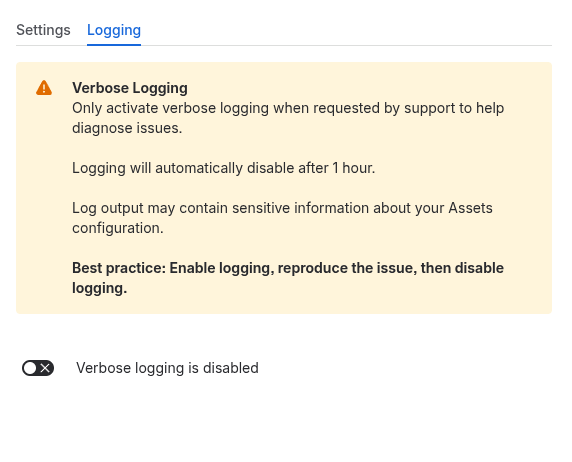
How to Enable
- Go to Confluence Settings > Apps > Beautiful Assets
- Switch to the Logging tab
- Toggle logging on
- Logs are now written for all app activity (debug, info, warn, error levels)
Administrators can view and download logs from the administration panel.
Auto-Disable
Logging automatically disables after 1 hour to prevent it from being accidentally left on. Logging consumes platform resources, so only enable it when actively troubleshooting an issue.