

What it does
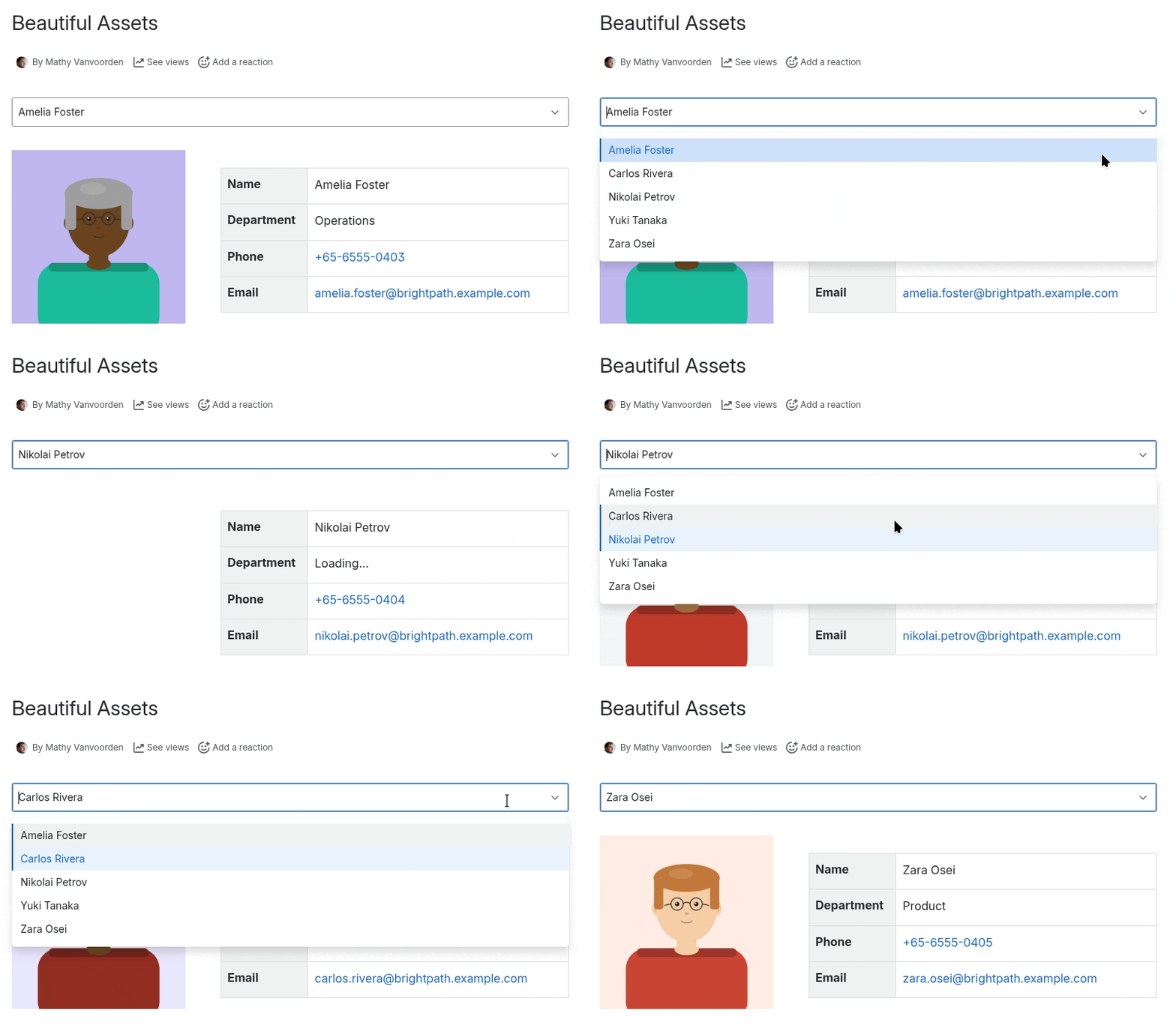
Beautiful Assets lets you display data from Jira Assets directly in Confluence pages. Build employee directories, IT asset inventories, and any other page that needs live data from your asset database.
How it works
The app uses two building blocks:
- Filters query Jira Assets and provide data. You pick an object schema and type, add optional rules to narrow results, and the filter fetches matching objects.
- Macros display data from a filter. Each macro type renders a specific kind of value — text, phone numbers, emails, images, links, tables, or key-value lists.
Every page starts with at least one filter. You then add one or more display macros that reference that filter. When the page loads, data is fetched live from Jira Assets and rendered through the macros.
Use cases
- Employee directory — Photos, names, roles, phone numbers, and email links — all pulled from your HR data in Assets.
- IT asset inventory — Hardware specs, locations, owners, and status — in a searchable, filterable table.
- Office floor plans — Room details, equipment lists, and booking links connected to your Jira Assets data.
- Any structured data — If it’s in Jira Assets, you can display it beautifully in Confluence.
Get started
Check out the documentation to learn more.